
Money
Keeping your Zentra account safe
Your sign-in PIN, wallet PINs, one-time codes and what Zentra will never ask you for.
On this page
Your Zentra account holds real money, so it's protected by two kinds of PIN and by codes sent to your phone. Keep all of them to yourself.
Your PINs
Sign-in PIN · 6 digits
You sign in with your phone number and this PIN. You choose it when you sign up.
Wallet PIN · 4 digits
Each wallet has its own. It's asked for whenever money leaves the wallet: withdrawals, gifts and the club fee.
- Don't use your birthday, your phone number or 123456.
- Don't use the same PIN as your bank card or banking app.
- Never tell anyone your PIN, not even someone who says they work for Zentra.
Codes sent to your phone
- When you sign up, and when you sign in on a new device, Zentra texts a 6-digit code to your phone to check it's you.
- If you forget your sign-in PIN, choose "Forgot your PIN?" on the sign-in screen. We text a code to your phone, and you set a new PIN.
- A code is only for you to type into zentra.com.ng. Anyone asking you to read a code out to them is trying to get into your account.
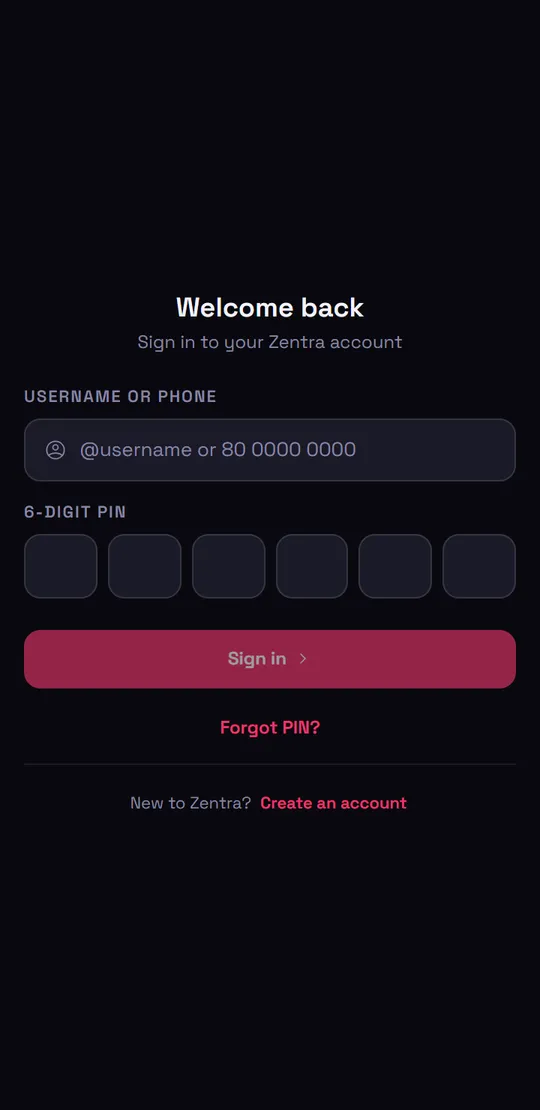
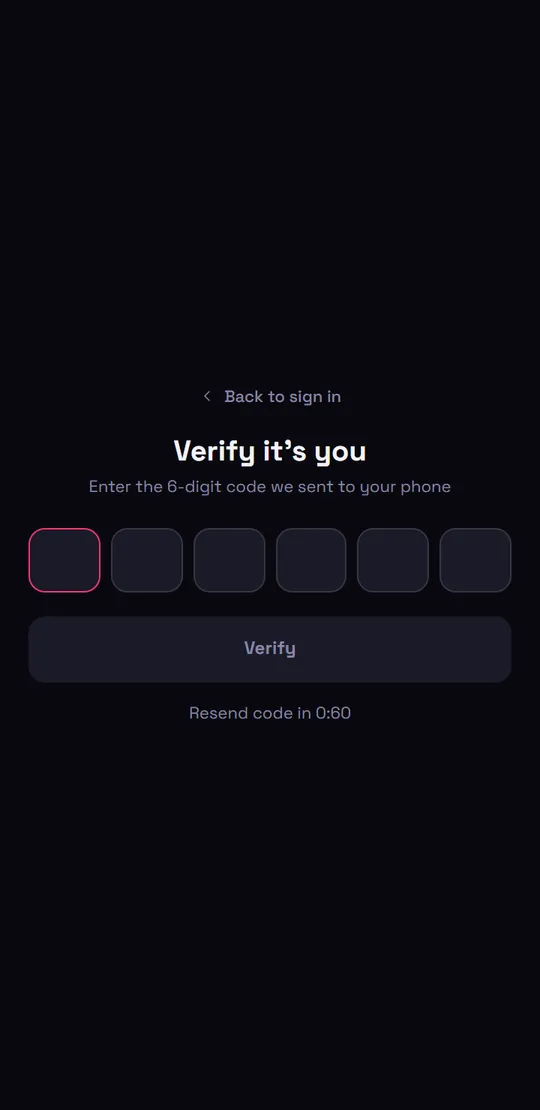
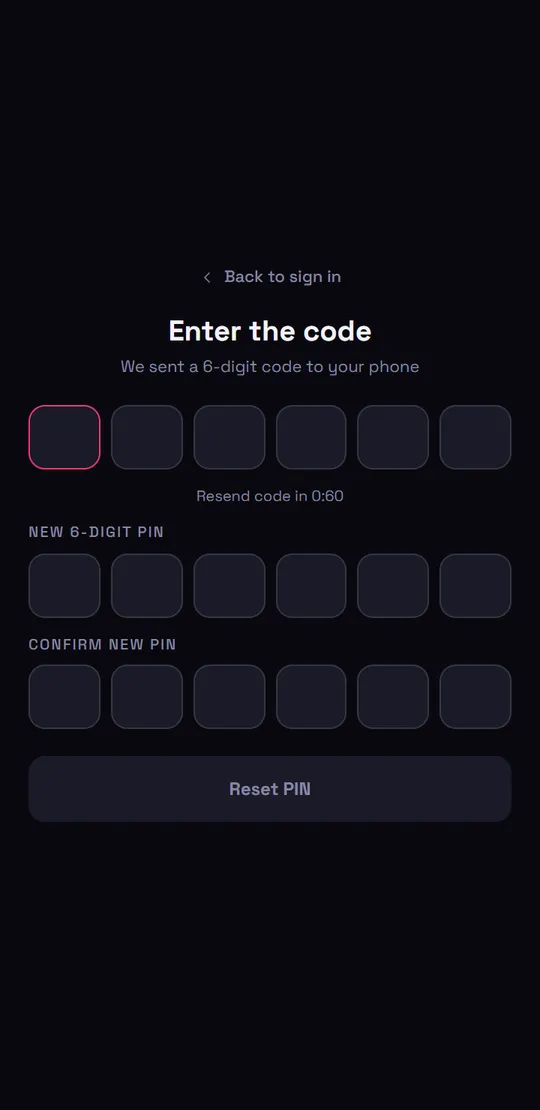
Screens from the Zentra app, with sample players and amounts.
What Zentra will never do
- Ask for your PIN or a one-time code by phone, text, WhatsApp, email or chat.
- Ask you to send money to an account number outside the app.
- Ask you to sign in anywhere except zentra.com.ng.
- Offer you a bonus, a refund or a "recovery" for a fee.
Everything done with your account is treated as yours
Under the Terms of Service, everything done with your account is treated as done by you. Accounts can't be shared, sold or handed over. One account per person.
If you think someone got in
- Change your sign-in PIN straight away using "Forgot your PIN?".
- Tell us at once from the app's support, or at zenn.games.official@gmail.com.
- We may pause the account while we check it's safe.