
Games
Game settings on Zentra
The settings in each Zentra game: boards, pieces, card colours, cues, sounds and play helpers. None of them gives anyone an edge.
Each game has its own settings, from the gear button in the game or from the Menu. Changes save to your account straight away. None of them changes what your opponent sees, and none gives anyone an edge.
Chess
| Setting | What it does |
|---|---|
| Pre-moves | Queue moves during your opponent's turn. |
| Auto-queen | Promote to a queen without asking. |
| Show legal moves | Dots where the piece can go. |
| Board | Sixteen board colours. |
| Pieces | Piece styles, including Gold, Ice, Ruby and Glow. |
| Coordinates | Files and ranks on the board. |
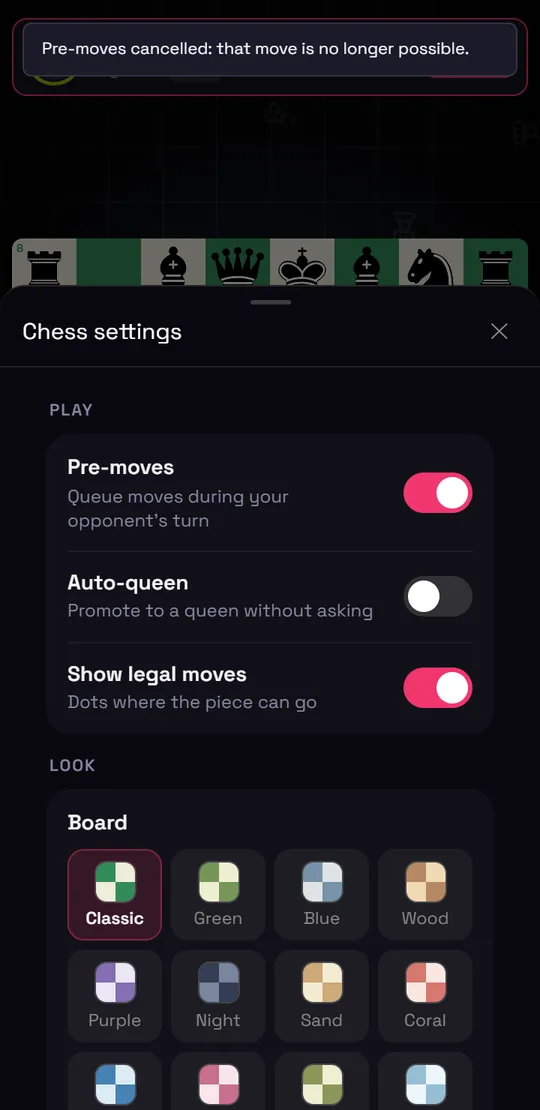
A screen from the Zentra app, with sample players and amounts.
Whot
| Setting | What it does |
|---|---|
| Play the only card | When just one card can go, play it for you (never a Whot card). |
| Hand order | As dealt, by shape or by number. |
| Card style | Outline or filled shapes. |
| Card colours | Colour sets for the five shapes. |
Lie
| Setting | What it does |
|---|---|
| Confirm before checking | Ask before calling a lie. |
| Hand order, card style, card colours | As in Whot. |
Ludo
| Setting | What it does |
|---|---|
| Move the only token | When every way of playing the roll ends the same, make the move for you. |
| Colours | Colour sets for the four sides. |
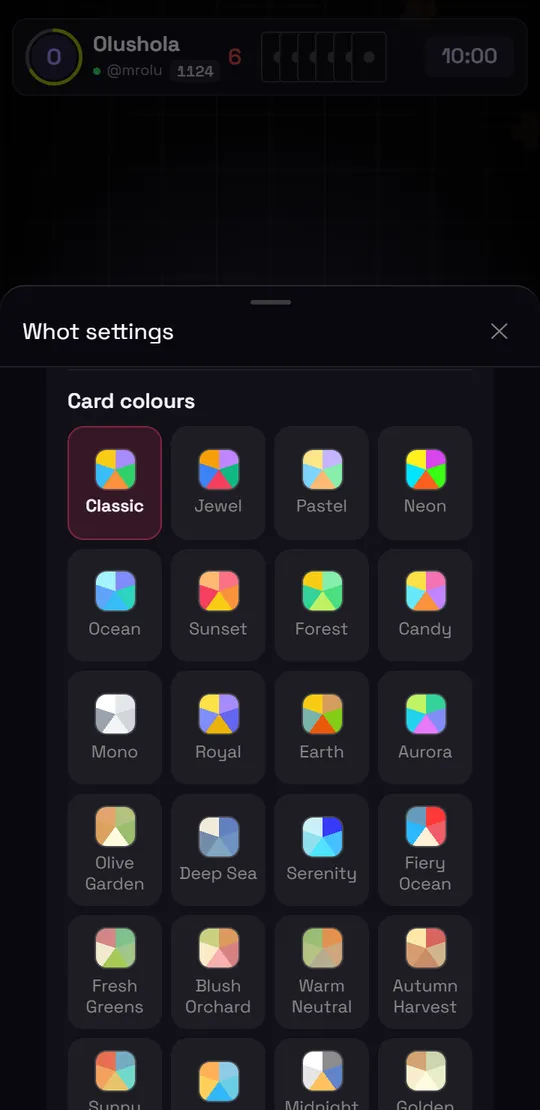
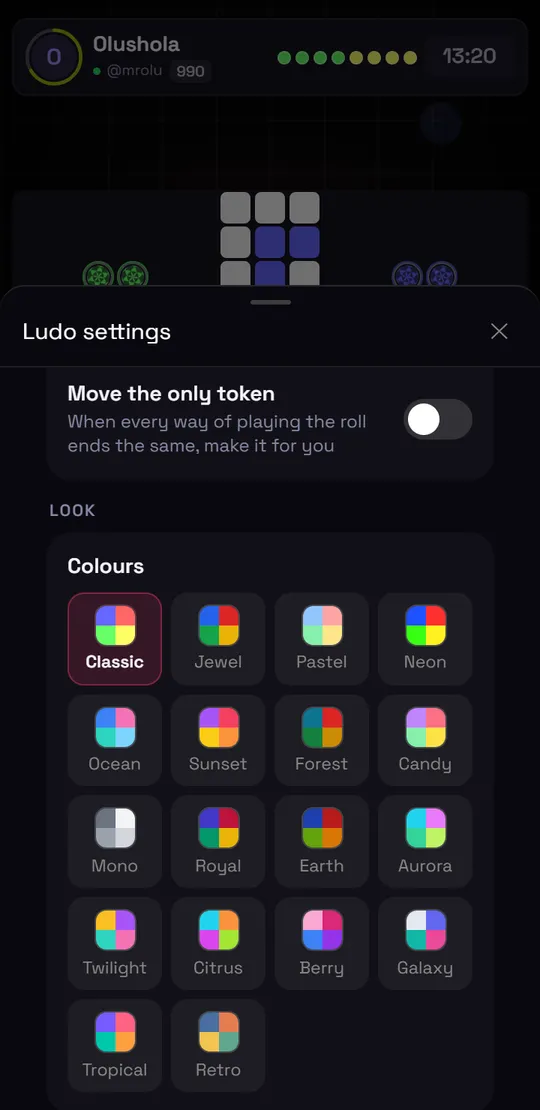
Screens from the Zentra app, with sample players and amounts.
Pool
| Setting | What it does |
|---|---|
| Aim sensitivity | How far the cue turns as you drag. |
| Cue, Balls, Cloth | The look of your cue, the ball set and the table cloth. |
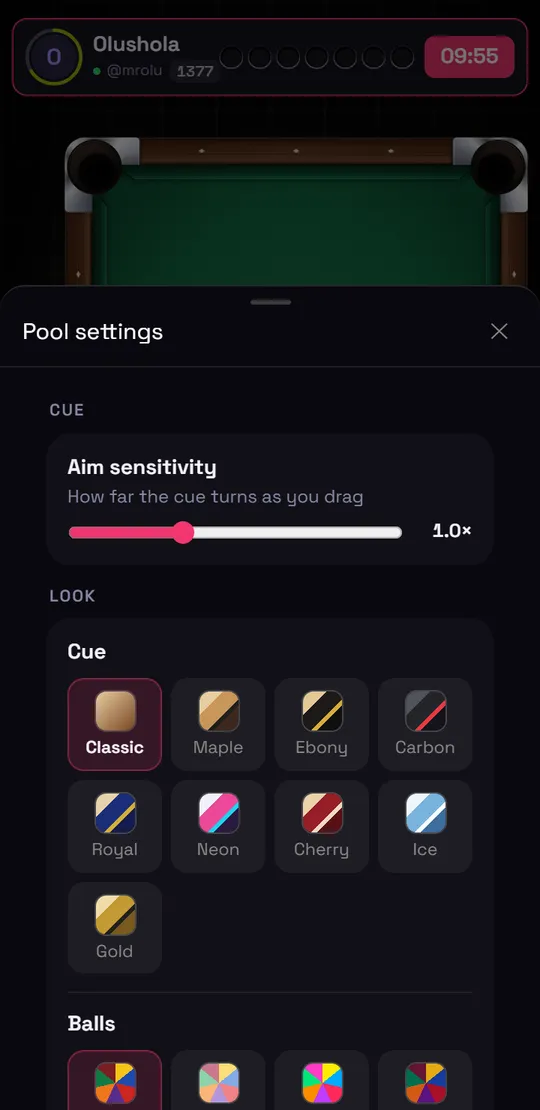
A screen from the Zentra app, with sample players and amounts.
In every game
- Sound: sound effects in that game.
- Vibration: a buzz on your turn and at big moments, on phones that support it.
Chat and watching
Two more settings live in the Menu rather than in each game: who can watch your games, and whether match chat is on, limited to quick phrases, or off.
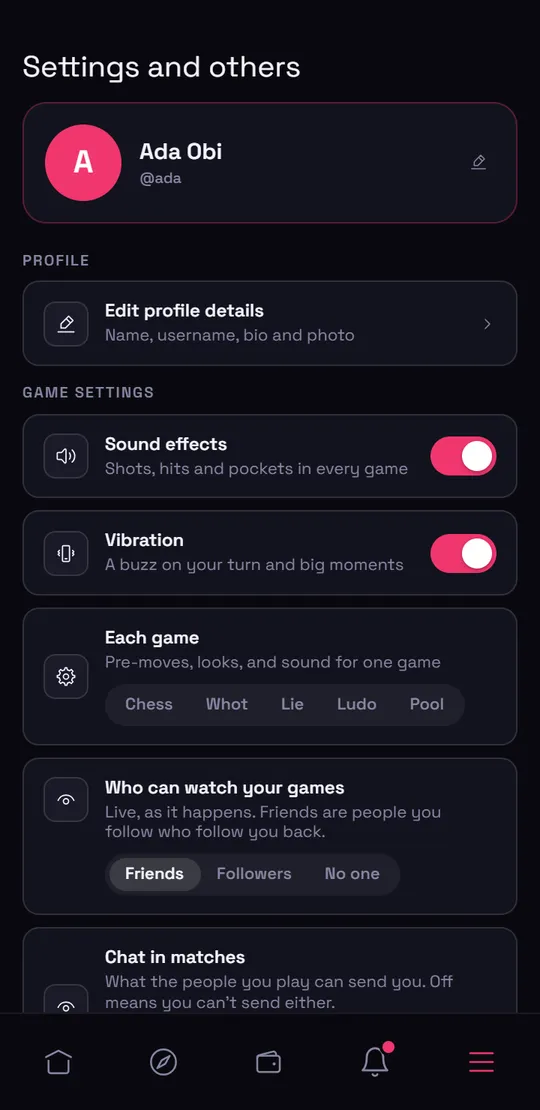
A screen from the Zentra app, with sample players and amounts.