
Matches
Match chat on Zentra
Chat with your opponent during a match: who can chat, what is filtered out, and how to mute or report someone.
You can text your opponent during a match. Chat is between the players only, it's filtered to keep money and contact details out, and you can turn it down or off.
Using it
- Tap the chat button in the game's bar to open the chat.
- A message that arrives while the chat is closed shows as a one-line banner at the top of the game. Tap it to open the chat.
- Only the players in the match can chat. People watching can't read or send messages.
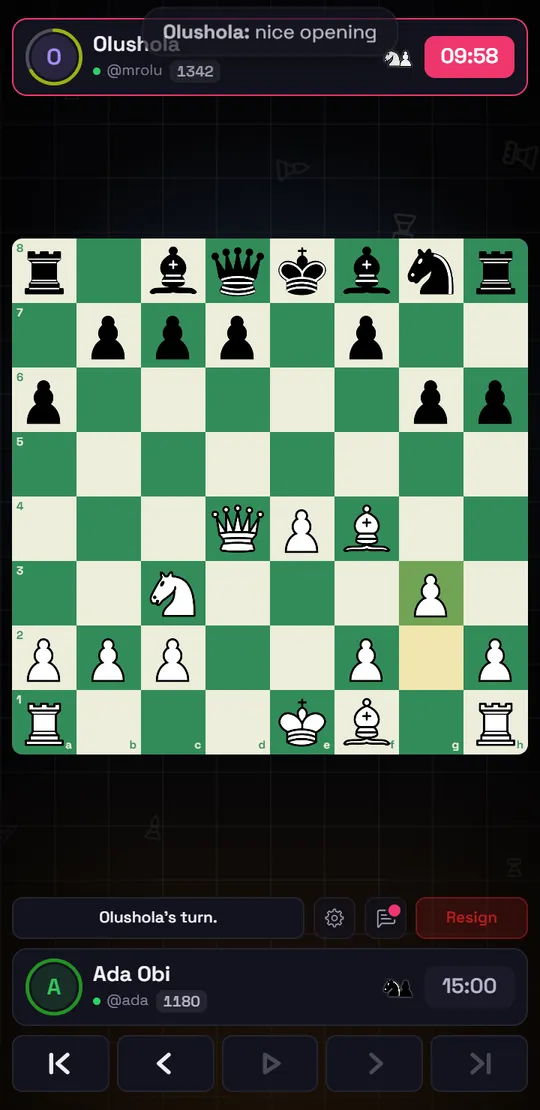
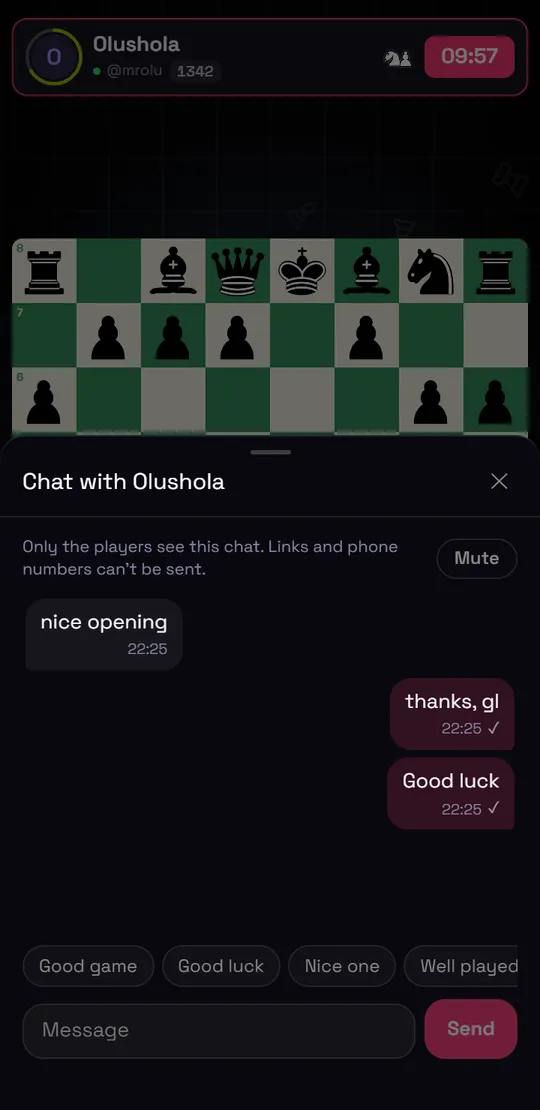
Screens from the Zentra app, with sample players and amounts.
What's filtered
- Messages are up to 120 characters.
- No links and no phone or account numbers (no runs of 7 or more digits).
- Swear words are masked.
- You can send a message every couple of seconds, up to 20 a minute.
Zentra will never ask you to pay or move money through chat. If anyone offers you a deal outside the app, asks for money or asks for your details, don't reply. Report them.
Your chat setting
In the Menu you can choose how you chat in every match:
- All: type anything.
- Quick phrases: only Zentra's set phrases.
- Off: no chat at all.
You can also mute chat for a single match on your device.
Reporting and blocking
- Report any message that breaks the rules. Reports go to Zentra's team, who can delete messages and stop a player from using match chat.
- If you've blocked someone, you don't see their messages. See Blocking and reporting.
- Messages are kept for 30 days, so reports can be checked.
Computer players don't chat.