Matches
24-hour matches on Zentra
Matches you create give each player 24 hours on their clock, so nobody has to be online at the same time.
On this page
Matches you create are played on a long clock: each player has 24 hours in total for the whole game. Make a move, close the app, and come back when it's your turn.
Clock24 hourseach, for the whole game
StartsOn the last joinno ready-up
Which matches use it
- Challenges and tournaments made with Create Match.
- Not Quick Match, rematches or match-ups. Those use the normal clock, with both players online. Club games and league fixtures also use normal clocks, at a set start time.
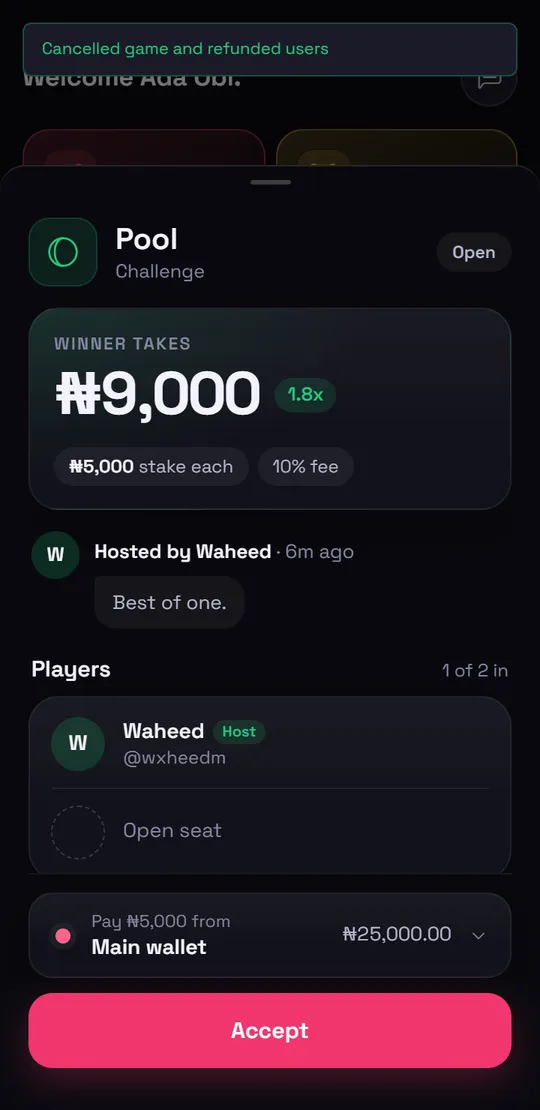
A screen from the Zentra app, with sample players and amounts.
How the clock works
- The match starts the moment the last player joins. Nobody has to press Ready or be online.
- Your clock only runs on your turn. 24 hours is for the whole game, not for each move.
- If your clock reaches zero, you lose the game, the same as in a short game.
- In a tournament, each new round starts as soon as it's set, with fresh 24-hour clocks.
Knowing when it's your turn
Zentra tells you in Notifications when it's your move, and your match is on Home. You can choose which notifications you get in the Menu.
A long clock doesn't mean unlimited time. If you play several long-clock matches at once, keep an eye on each clock.
Watching a long-clock match
People watching see a note when none of the players are online, so they know the game is just waiting for a move.